
If you are looking for gaming computer set, it's easy to get confused because each place gives the same advice: some say you have to buy a powerful card, some focus on CPU, others push beautiful cases and RGB LEDs. For non-technical people, the hardest thing is knowing which parts actually affect the game you play and which parts just add to the price.
In fact, a good gaming console is not necessarily the most expensive. The device needs enough FPS for the games you play, can open accompanying applications such as Discord, browser, study or work software, and has room to upgrade later. This article helps you choose configurations in an easy-to-understand way, without stuffing yourself with too much jargon.
TGS will go from real needs, budget, CPU, RAM, SSD, VGA to the screen so you know which part to prioritize first. If you need to quickly see the available models, you can refer to the PC gaming catalog of TGS.
What do people looking for a gaming computer need?
Gaming PC buyers often need more than just a machine to play games. People who want to play games, study, do light work and entertain on the same device often need a device that can be used for many years, is not too hot, is not too noisy and does not have to be upgraded immediately after purchase.
Common needs are playing online games, opening Discord or a browser, sometimes studying online and doing homework. Therefore, before choosing a configuration, you should list the game you are playing, the screen you are using, the desired graphics level and the maximum budget. While playing games, the needs of Valorant, League of Legends, and FC Online players will be different from those who want to play heavy AAA games.
If you just say "buy a game console", it's easy for the seller to give general advice. But if you specify which game you want to play, Full HD or 2K screen, whether you need to livestream, whether you need to study online or do light graphics, the configuration will be much more accurate.
What configuration does a gaming computer need to play games well?
With a gaming computer, the appropriate configuration must be balanced between CPU, VGA, RAM and SSD. A computer with good VGA but too weak CPU can still drop FPS. On the contrary, CPU is strong but low graphics card does not help 3D games run better.
Core i5 or Ryzen 5 is usually a good balance if you want to last longer than the base configuration. This is background processing, affecting online games, multitasking and stability when playing while opening other applications. If your budget is limited, you should not chase after the highest CPU and forget about VGA or RAM. Separate VGA
should be prioritized if you play 3D games, AAA games or want to keep FPS stable at higher graphics settings. With light eSports gaming, you can start lower. With heavy games, VGA is a part that needs to be carefully considered because it directly affects resolution, graphics settings and FPS.
RAM 16GB is the recommended level for PC gaming today, because games and browsers both use more memory than before. 8GB RAM should currently only be considered a very basic level. If you want a more comfortable gaming machine, 16GB is a reasonable choice. SSD 512GB helps install Windows, main games and necessary software without filling up too quickly. This capacity also helps you not have to continuously delete games after a few months of use.
Should priority be given to CPU, RAM, SSD, VGA or monitor?
Priority should start with games and screens. If you use a Full HD 75Hz screen, the configuration needs to be different from a 144Hz screen. If you want to play competitive shooting games, stable FPS is more important than turning on the highest graphics effects.
VGA is often the component that needs the most attention with PC playing games with separate cards. However, VGA should not go it alone. CPU must be enough to not clog, RAM must be enough so that games and background software do not compete for resources, SSD must be fast enough to load games and maps more smoothly.
The screen should not be overlooked either. A powerful device but with an old screen, poor color or low scanning frequency will not give a commensurate experience. If you buy PC group, you should still calculate the appropriate screen in advance instead of just looking at the case price.
What is a reasonable price when choosing a gaming computer set?
A reasonable budget is usually just enough for VGA, RAM 16GB and SSD before thinking about appearance. For new buyers, a safe way is to divide the budget into three parts: case, screen and accessories. If you already have a good screen, you can put more effort into VGA or SSD. If you buy a whole new one, you need to avoid the situation where the case is strong but the screen is too weak.
Under 10 million is usually suitable for online games and basic entertainment learning needs. Around 15 million is easy to have a more balanced configuration, especially when requiring separate VGA. For around 20 million or more, you can think of a more powerful card, a better screen or a larger capacity.
There is no right price for everyone. A reasonable configuration is one that meets the exact game you play today and has enough left over for upcoming needs, but doesn't force you to pay for unused parts.
Suggested configuration according to budget
| Demand | CPU suggestion | RAM | SSD | Suggested VGA |
|---|---|---|---|---|
| Online games, studying | Core i3/new generation Ryzen 3 | 16GB | SSD 512GB | Integrated VGA or basic card |
| Full HD stable | Core i5/Ryzen 5 | 16GB | SSD 512GB | RTX 3050/RTX 3060 depending on budget |
| Heavier games | Core i5/i7 or Ryzen 5/7 | 16GB-32GB | SSD 1TB if many games | RTX 4060 or more if suitable |
The above table is just an orientation for you to easily visualize. With the same budget, there are still many different ways to combine components. If you prioritize FPS, the budget should lean towards VGA. If you play games while studying, working, opening many tabs and applications, RAM and SSD also need to be kept wide enough.
Common errors when choosing the wrong configuration
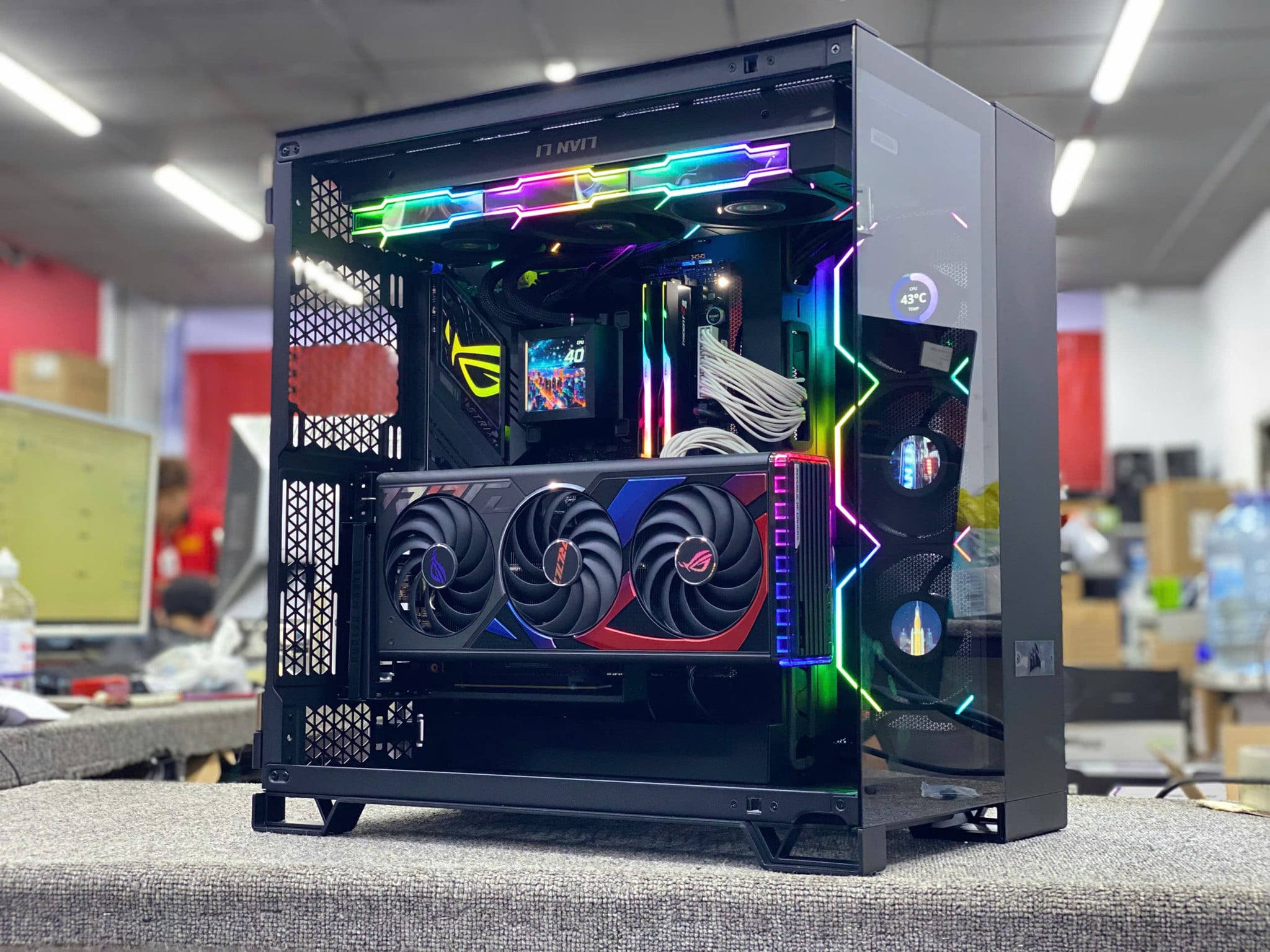
A common mistake is spending money on the case or LED but reducing VGA, RAM or SSD to a level that causes discomfort when playing games. This is an easy mistake for first-time buyers, especially when viewing the configuration based on photos or short videos without carefully checking the internal components.
The second mistake is buying the wrong device. For example, CPU is strong but VGA is weak, or VGA is high but the source is not good enough. Gaming configuration requires balance, as a weak component can drag down the overall experience.
The third error is not calculating the upgrade path. When the new game is heavier, you may want to add RAM, change VGA or upgrade SSD. If you choose a motherboard, power source, case that is too limited, upgrading later will be more expensive.
The fourth mistake is forgetting needs outside the game. Many of you still need to study online, do homework, process documents or use office software. If this need is important, you can see group PC office to balance study, work and entertainment.
When should you buy a new device, when should you upgrade?
If the old device is still CPU in good condition, upgrading to VGA, RAM or SSD can be more economical than buying a new one. If the device you are using already has SSD, RAM is enough and CPU is not too old, upgrading VGA can make a big difference when playing games. If the device is still using HDD or low RAM, upgrading to SSD and RAM first can also make the experience more comfortable.
On the contrary, if the device is too old, the power is weak, the mainboard does not support upgrades or the case does not have enough space for a new card, buying a new device will be more reasonable. Then you can choose from the beginning: CPU, mainboard, RAM, SSD, power source and case according to your needs.
For those who are not technically savvy, the best way is to send the current configuration and list of games you want to play to TGS. From there, you can determine which parts should be upgraded, or should you switch to a new device to avoid messy upgrades.
Advice from TGS when choosing a gaming computer set
Secondary keywords such as gaming computer, gaming pc, gaming pc set, 16gb ram gaming pc, 512gb ssd gaming pc, discrete card gaming pc all revolve around the same principle: choose the machine according to the game, screen and real budget. Don't choose a configuration just because the component name sounds strong, and don't choose a beautiful case if the internal performance isn't enough.
If you want to buy quickly, pre-built kits can be convenient. If you want to optimize each amount of money, building on demand will be more flexible. TGS can advise on configuration according to the game you play, the amount of money you expect and accompanying needs such as studying, working, livestreaming or upgrading in the future.
You can see more PC gaming, group PC group, or send your request via page to contact consultant for more suitable configuration suggestions.
FAQ about gaming computer set
How much is enough for a gaming computer set RAM?
Should choose at least 16GB RAM if you want to play games and open additional browsers, Discord or learning applications. 8GB is only suitable for very light needs.
Should I buy PC gaming card without card?
Can buy if you play light online games or want to upgrade VGA later. If you want to play heavy 3D games, a separate card is still a more reasonable choice.
Should I prioritize the graphics card or CPU?
With games, graphics cards often affect FPS more. However, CPU should still be good enough to avoid congestion and help the computer run stably when multitasking.
Conclusion: choosing a gaming computer should be based on real games
A gaming computer worth buying is one that suits the game you play, the screen you use and the amount of money you can spend. The configuration does not need to be too ostentatious, but must be balanced between CPU, RAM, SSD, VGA, power and upgradeability.
If you don't know which configuration to choose, contact TGS for advice. TGS will ask clearly about needs, budget and purpose of use to suggest actual configuration, avoiding unnecessary under- or over-buying.