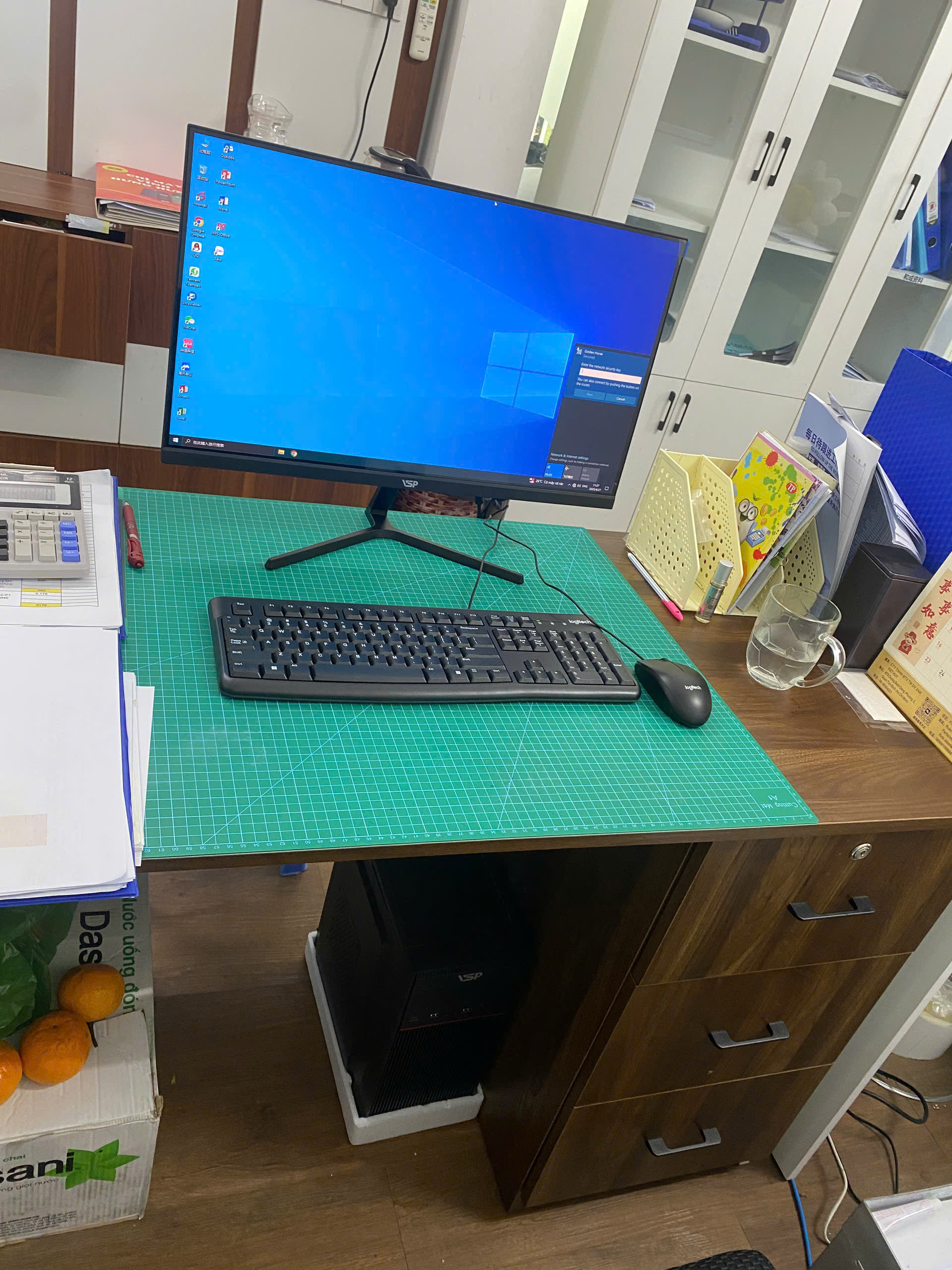


If you are looking for computers for students, the most difficult thing is often not the lack of models to choose, but not knowing which configuration is really suitable. Sellers can talk a lot about CPU, RAM, SSD, VGA, but if it is not associated with daily needs, it is easy for buyers to choose too much or too little.
For TGS's customers, the needs are often very practical: the device must open quickly, be stable, have few minor errors, can be upgraded when needed and not exceed the budget. This article explains it in an easy-to-understand way so you know which parts to prioritize before buying.
If you need to quickly see popular machine groups, you can refer to PC office, PC gaming or PC group on website TGS.
computers for students: what do users need?
Students or families who need a device to study online, do homework, look up documents and entertain after school often need a device with a consistent experience, not just looking at a very high parameter. Machines can be used for learning, sales, work, design or entertainment, but the common point is that they must respond quickly and not interrupt work.
The device needs to run a stable online class, run a browser, Office, learning software and have an easy-to-see screen. This is why you should start with a list of the software you are using, the number of browser tabs you often open, your data capacity, and your budget. When the needs are clear, the configuration will be much easier to choose.
If the machine is used for one person, you can optimize according to personal habits. If the machine is used for a shop, classroom, business, or multiple people taking turns using it, stability and maintainability should be prioritized over appearance.
Which configuration is suitable for a student computer?
A suitable configuration requires a balance between CPU, RAM, SSD, monitor and graphics card if needed. Don't just ask which device is the cheapest, because a device that is too weak can waste time every day when opening software, saving files, or switching back and forth between tasks.
Core i3 or Ryzen 3 may be enough for light tasks; Core i5 or Ryzen 5 is more suitable if using multiple software at the same time. CPU is the main processing platform, but you should not put all your budget into CPU and then reduce RAM or SSD too low. A balanced configuration is often easier to use than a partially strong configuration.
RAM 8GB is the starting level, while 16GB will be more comfortable when opening many tabs, doing spreadsheets or using specialized software. RAM Direct impact when opening multiple applications at the same time. With current needs, 8GB should only be considered a basic level, while 16GB helps the device be more comfortable and use longer.
SSD 256GB is enough for basic needs, but SSD 512GB is more reasonable if storing a lot of documents, images, videos or customer data. SSD is almost a part that should be there from the beginning because it helps the computer boot quickly, open software quickly and reduces the feeling of waiting compared to the old HDD drive.
Should priority be given to CPU, RAM, SSD, VGA or monitor?
Priority order should follow real work. For learning, office and sales, SSD and RAM often make the biggest difference. For design, video, architecture or livestream, CPU and VGA need to be considered more carefully.
Separate VGA is only necessary when there are graphics, video editing, livestreaming, 3D design or gaming; Office needs can use integrated graphics. If your needs do not require heavy graphics, you can save the VGA part to invest in RAM, SSD or monitor. If your work involves images, videos or 3D, a separate card will make your work more comfortable.
The screen also greatly affects the experience. People who do Excel, design, study online or are older people should choose a screen large enough, with clear and easy-to-see text. A powerful device with a small screen, poor color or eye strain will not be comfortable to use for a long time.
What is a reasonable price when buying a computer for students?
The budget should prioritize a machine that is durable, SSD fast, RAM enough and has a better screen than chasing too high a configuration. The right price is not the same for everyone. Students can prioritize online learning and light entertainment; The device for designers needs RAM and a better screen; Machines for stores need to be stable and easy to connect to point of sale equipment.
In general, basic needs groups can start from a budget configuration but should still have SSD. Groups that work long hours should choose RAM 16GB if budget allows. Design, video, engineering or livestream teams should leave extra budget for VGA, SSD large capacity and stable source.
Suggested configuration according to budget
| Demand | CPU suggestion | RAM | Storage | Suitable |
|---|---|---|---|---|
| Online learning | Core i3/Ryzen 3 | 8GB | SSD 256GB | Zoom, Meet, Word, browser |
| Learning and entertainment | Core i5/Ryzen 5 | 16GB | SSD 512GB | Studying, light online games |
| Heavy demand | Core i5/i7 or Ryzen 5/7 | 16GB-32GB | SSD 512GB-1TB | Design, video, livestream, technical |
The table above is an orientation for you to easily visualize. The actual configuration should still be adjusted to the software, budget and available equipment such as monitor, keyboard, receipt printer, webcam or drawing tablet.
Common errors when choosing the wrong configuration
A common mistake is buying a machine that is too weak because you think your needs are simple, and when you open many software at the same time, the machine slows down noticeably. This is a common mistake because buyers often look at the price first, while the usage experience depends heavily on RAM, SSD, the screen and the balance of the device.
The second mistake is buying excess unused parts. For example, the need to only study online and do office work but put money into separate VGA; On the contrary, people who make videos or heavy designs choose cardless machines to save money.
The third error is not calculating the upgrade path. After a while, more data, heavier software or work changes, you may need to add RAM, SSD or VGA. If the initial configuration is too closed, upgrading will be more difficult and expensive.
When should you buy a new device, when should you upgrade?
If the old machine still has a good foundation, upgrading RAM and SSD can help improve it a lot before needing to buy a new machine. If your computer is only slow when opening Windows, opening software or saving files, SSD and RAM are usually two parts that should be checked first. This is an economical way if CPU, the mainboard and power supply are still fine.
If the machine is too old, has errors, does not support upgrading RAM/SSD appropriately or the repair cost is almost equal to buying a new one, choosing a new machine will be more reasonable. The new machine helps you proactively configure it from the beginning and is easier to maintain.
For shops, small businesses or classrooms, you should check by group of machines. Not every location needs the same configuration; Cashier machines, accounting machines, design machines and online learning machines may require different levels of investment.
Advice from TGS when choosing a computer for students
Related needs such as office computers, office PCs, gaming PCs, cheap PCs, work computers, online learning computers all have the same principle: choose a computer according to what needs to be done, not by name. A machine for online learning is different from a machine for video editing; The machine for sales is different from the machine for AutoCAD or Photoshop.
TGS often advises customers to clearly describe the software, budget, current screen and plans to upgrade later. When the information is clear, the configuration given will be more realistic and avoid buying unnecessary parts.
You can see more PC office, PC gaming, group PC group or send your needs via page to contact consultant.
FAQ about computers for students
How much computer for students does RAM need?
Basic needs should have 8GB RAM. If opening many tabs, doing Excel, designing, video, livestream or long-term use, 16GB will be more reasonable.
Do I need a separate graphics card?
Not always needed. Offices, online learning, and sales can use integrated graphics; Design, video, 3D, livestreaming or gaming should consider discrete VGA.
Should I buy a desktop or laptop?
Laptops are convenient to move, while desktop computers are easy to upgrade, have good heat dissipation and are often more cost-effective if you use them permanently at home, office or store.
Conclusion: choosing a computer for students should start from real needs
A good computer for students is not the most expensive one, but one that is fast enough, stable enough and suitable for the intended use. When choosing the correct CPU, RAM, SSD, screen and VGA if needed, you will have a device that is easier to use and less likely to need to be upgraded in a hurry.
If you don't know which configuration to choose, contact TGS for advice. TGS will ask clearly about needs, budget and purpose of use to suggest suitable configurations, avoiding unnecessary under- or over-buying.