
What is CPU clock? Is it true that the higher the pulse, the stronger CPU is?
Clock CPU is an important indicator but not all. This article explains GHz, boost clock and how to properly read CPU performance.
Read details →This is where you and your staff post, update images, tell real customer cases and pull local SEO.

Clock CPU is an important indicator but not all. This article explains GHz, boost clock and how to properly read CPU performance.
Read details →
Cores and threads determine the parallel processing ability of CPU. Understanding this concept helps you choose a machine for office, gaming or editing more accurately. Who are
Read details →
Cache CPU is a super fast cache memory located near the processor core. Cache capacity affects data access speed and actual performance.
Read details →
TDP helps you estimate the heat and power generated by the component. Understanding TDP helps to choose the right heatsink, power supply and case.
Read details →
Dual channel provides better memory bandwidth when RAM is installed properly. The article analyzes the actual difference and when to prioritize 2 bars RAM.
Read details →
DDR4 and DDR5 differ in bandwidth, voltage, platform and cost. This article helps you decide whether to stay at DDR4 or move to DDR5.
Read details →
Intel and AMD both have many strong CPU lines. This article helps you compare according to actual needs instead of arguing by brand.
Read details →
NVIDIA and AMD are the two largest graphics card brands today. This article helps you compare reality to choose the right card for your game and job.
Read details →
The names i3, i5, i7, i9 indicate the product line position but are not enough to evaluate performance. This is the easiest way to read CPU Intel.
Read details →
The names Ryzen 3, 5, 7, 9 help differentiate the segment but do not cover all the performance. Read Ryzen the right way to choose the right machine for your needs.
Read details →
PC Gaming is not just a machine with RGB lights. This article explains the configuration, components, and how to balance your budget to build a reasonable gaming machine.
Read details →
A good office machine needs to be stable, open files quickly, run smoothly and have few minor errors. This is a checklist for choosing machines for companies, small shops and accountants.
Read details →
PC graphics don't always require the most expensive card. This article helps you balance CPU, RAM, SSD, GPU and the screen according to the correct software.
Read details →
Choosing a computer for students needs to meet their learning needs, online learning, slide making, light coding or basic photo editing. No need to overbuy.
Read details →
Accounting machines need to open large Excel files, invoice software, tax software, printing and multiple browser tabs at the same time. This is the configuration that should be prioritized.
Read details →
Knowing how to read the configuration helps you avoid buying a computer based on vague advertising. The article guides you to read CPU, RAM, SSD, graphics card and power in a simple way.
Read details →
Buying a used CPU can save you a lot if you know how to check. This is a practical checklist to avoid CPU errors, CPU overheating or goods of unknown origin.
Read details →
Checking RAM helps you know what type the computer is using, how much capacity, which slot is free and whether there is a memory error or not.
Read details →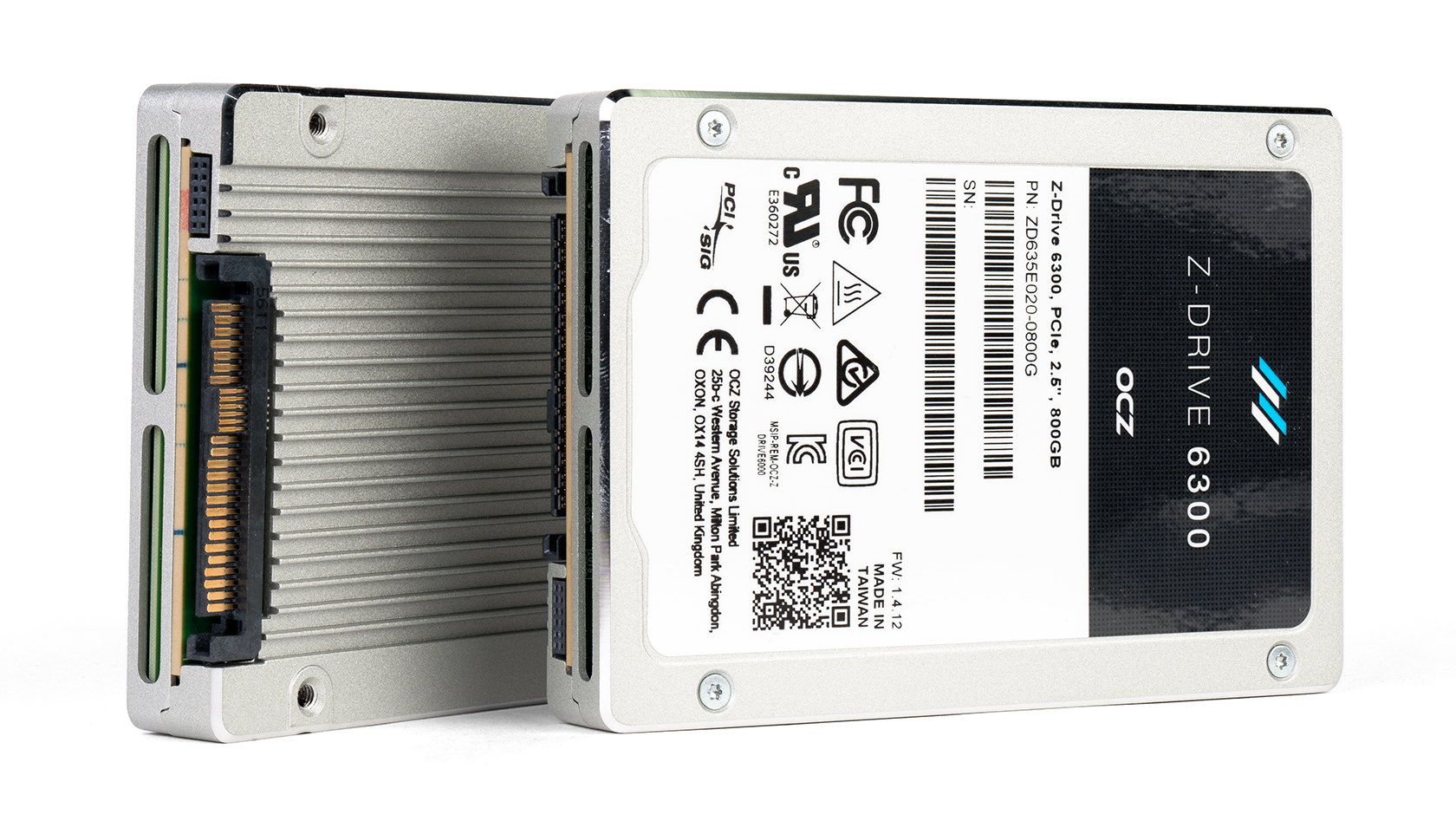
Capacity SSD should be selected according to the software, games and data you actually use. This article helps quickly calculate the appropriate capacity and avoid under-buying.
Read details →
Choosing the right power source makes the computer more stable, durable and safer. This article explains the capacity, 80 Plus standard, power cord and how to choose the correct PSU.
Read details →
Choosing the right GPU must be based on the screen resolution, the games you play, the software you use and the available power supply. Here is a guide to choosing an actual card.
Read details →
A computer that is missing RAM often has very clear signs: opening tabs slowly, switching applications jerky, the computer freezes when meeting online or opening large files. This is early recognition.
Read details →
CPU is too weak and will cause the computer to lag when opening the software, render slowly, the game will drop FPS in heavy scenes and sometimes slow down the whole system.
Read details →
A slow machine is not always due to CPU. In many cases, just raising SSD is enough for the machine to transform. These are the most notable signs.
Read details →